You may ask me why in 2023 a person would use a digital voice recorder. Yeah, I totally agree with you. You can easily record audio using your mobile phone on the go. But, will you guarantee me that keeping the confidential audio on the phone is safe? I would say no. In this kind of scenario, Digital voice recorders come into the picture. I would recommend if you want to keep your important audio files safely, then use a digital voice recorder.
The Digital Voice recorder is easy to carry and record audio of lectures, meetings, and interviews. It is used by various professionals like journalists, legal practitioners for collecting evidence, and students, etc. The main advantage of using digital voice recorders is that the recorded audio will be of high quality and you can keep your audio files separately and safely.
Understanding Olympus Digital Voice Recorders
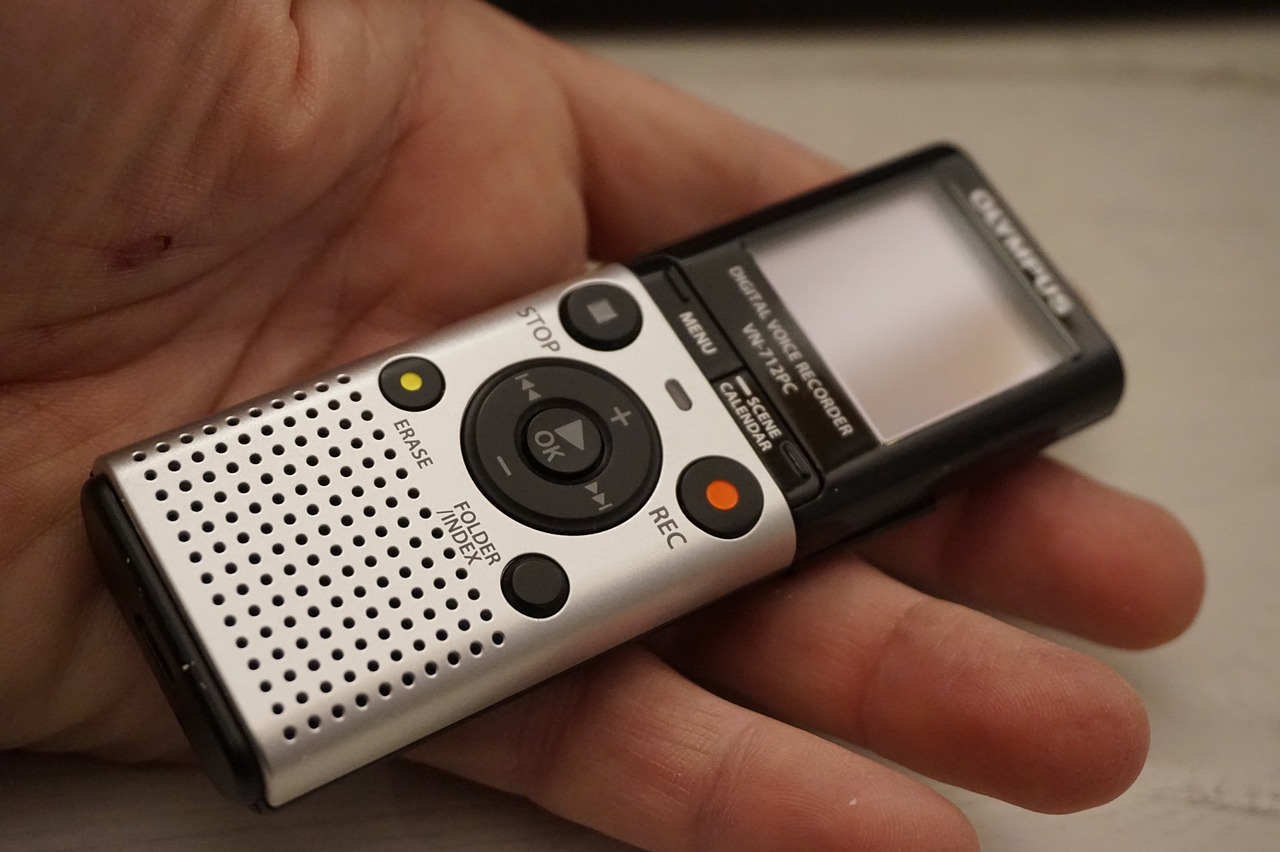
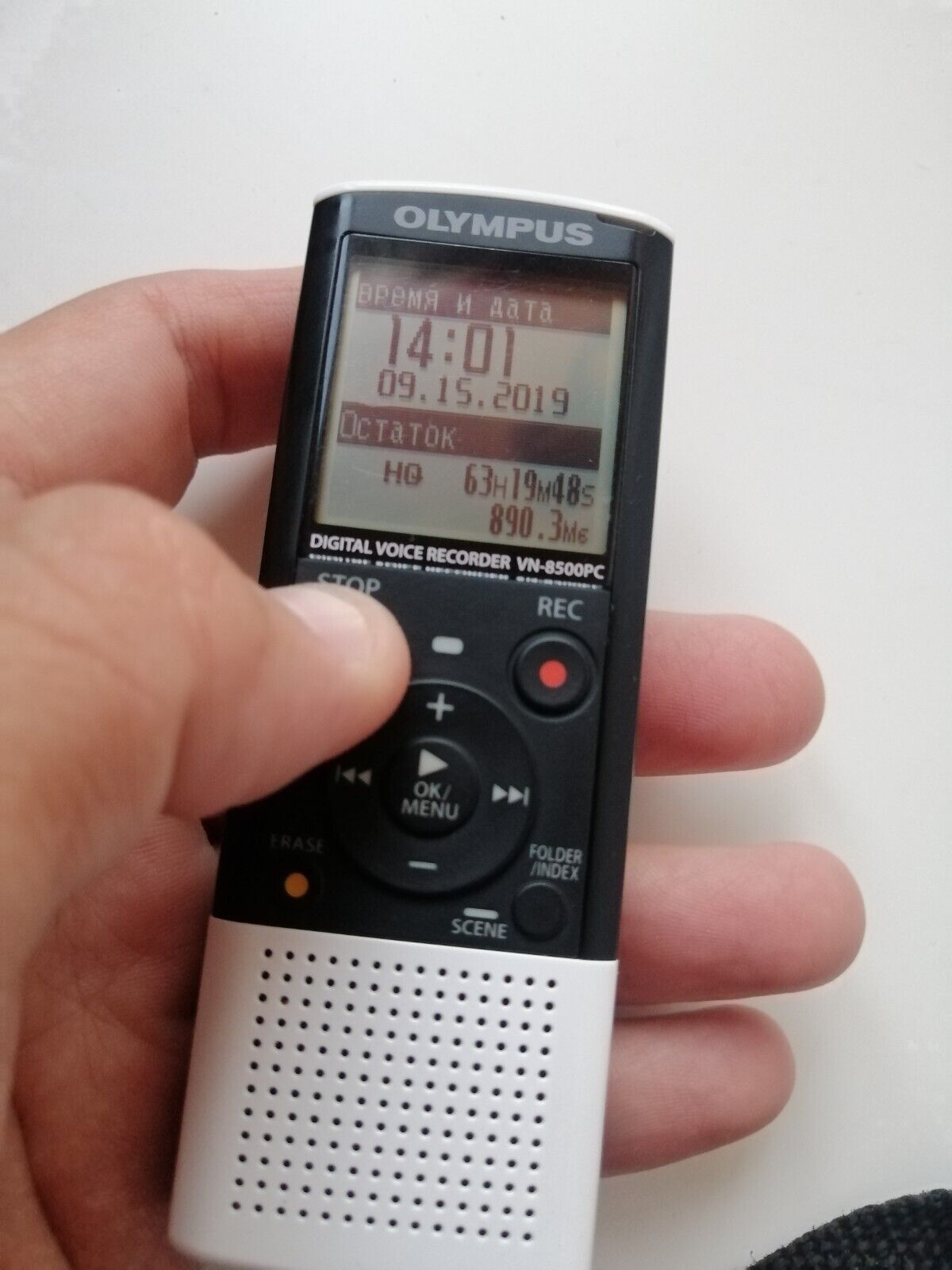
Olympus digital voice recorders stand out in their high-quality digital voice recording. Features like automatic gain control, voice activation, built-in speakers for playback, etc.. make them unique from other digital voice recorders. Further, the device supports audio formats like PCM, MP3, and WAV formats. These recorders are compatible with both Windows and Mac operating systems providing you an easy file transfer via USB.
These are the things about Olympus Digital Voice recorders. But nobody can guarantee a one hundred safety for your Olympus audio files. At times because of technical glitches, anything can happen and your audio files may get delete or corrupt etc..and you have to look for to recover deleted files from Olympus digital voice recorder. Below are the given reasons how your audio files got deleted. Let see the causes in detail in below section.
Common Causes of Olympus Audio File Deletion:
- The audio files may get deleted accidentally while deleting some unwanted recordings from Olympus digital voice recorder.
- If voice recordings are being moved from Olympus digital voice recorder to another drive, the voice recordings may be lost if the connection between the drive fails.
- When you accidentally format Olympus digital voice recorder, you will lose all the files on it as the format process deletes all the audio files on your Olympus voice recorder storage.
- Corruption of memory card used on Olympus digital voice recorder due to improper handling, virus attacks, or other issues makes all the audio recordings inaccessible.
There are possible causes of Olympus audio file deletion. In the next section, I will explain to you guys, how to retrieve deleted recordings from Olympus voice recorder
How to Recover Deleted Olympus Voice Recorder Files?
You can easily execute your Olympus vn 541pc recover deleted files by the below-given way. I have gathered possible path for you guys to get back access to your Olympus audio files. Let’s see the approach in detail.
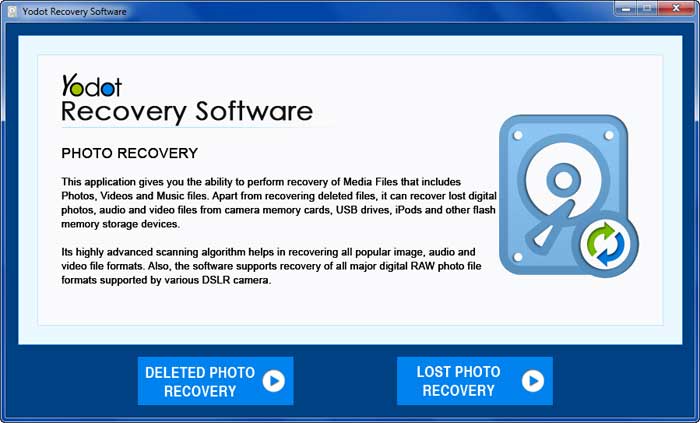
Yodot Photo recovery to recover deleted Olympus voice recorder files
In case of loss or deletion of voice recordings without backup, a trustworthy and professional recovery tool like Yodot Photo Recovery is required to recover lost voice recordings.
This tool can restore different audio file formats like MP3, MP4, AIF, WAV, MIDI, ALAC, M4A, M4b, RA, AIFC, MPC, VOX, GSM, AMR, etc. It is compatible with computers or laptops installed with Windows 11 and previous operating systems and can restore all types of media files (photos, videos, and music files) from various storage drives.
Steps To Recover Audio Files From Olympus Digital Voice Recorder by the tool:
- Download and install Yodot Photo Recovery software on your PC or laptop.
- Connect Olympus digital voice recorder via USB or the memory card in it to the computer.
- Run the tool and select Deleted Photo Recovery for the Olympus voice recorder recover deleted files process.
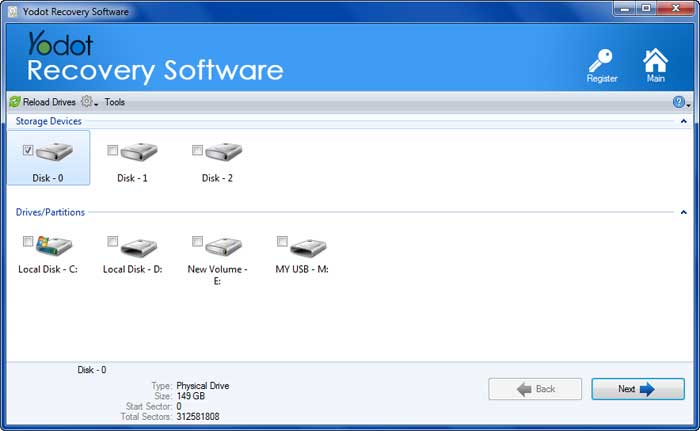
- Then select the particular drive on the next screen and click on Next.
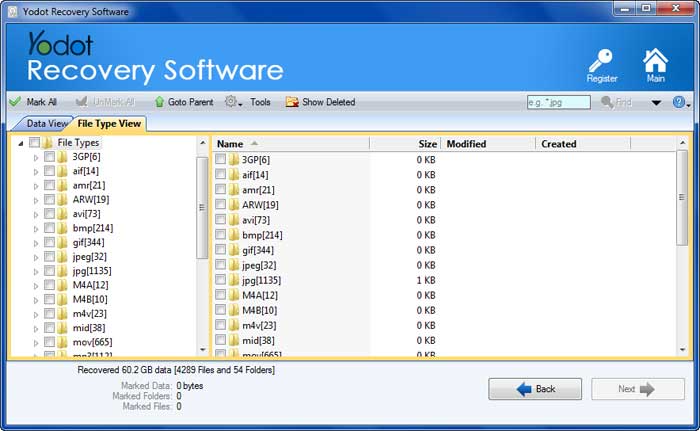
- Once the scanning process gets over the tool shows the recovered deleted files from Olympus digital voice recorder in Two View Types.
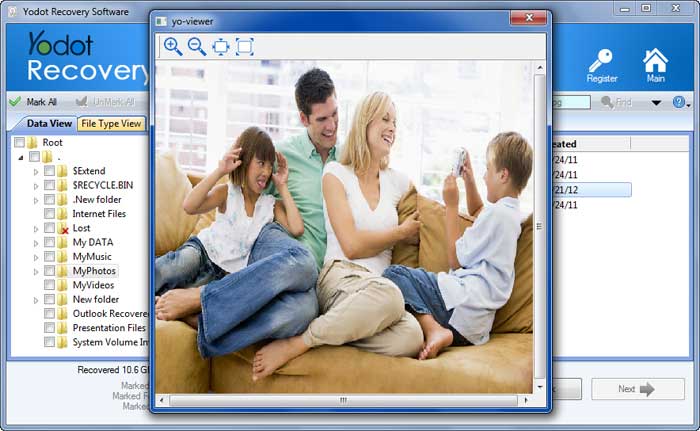
- Select a file and preview it using the Preview option and Save the recovered files in the location of your choice.
RecommendationsTo Avoid Losing Audio Files From Olympus Digital Voice Recorder:
- Save a copy of your important voice recordings from Olympus digital recorder on another drive to avoid losing the important recordings.
- Do not remove the memory card out of Olympus digital voice recorder when it is in use.
Conclusion:
Now I hope you have a better understanding of the Olympus Digital Voice recorder and the audio files. Always, be precautionary about the usage of electronic devices to avoid any loss. Use this article effectively to recover deleted olympus voice recorder files. Have a nice day...