“Please help, I have lost few important files that were opened when desktop got turned off due to power outage. The files are not shown in the folder where it was previously saved. These files are very important to me and I do not posses any backup. Can anyone please suggest me proper method for recovering lost files after power surge?”
Power surge is one of the most commonly seen scenario in which files may go missing or get erased from system drive. As mentioned in the above example, files and folders that are active might get invisible after power outage. This data disaster can be resolved if desktops are provided with additional power supply like UPS. If the power supply to systems is given through UPS, then sudden power failure will not turn off the system and hence files will not be lost. However, files may also go missing when the application on which file is opened is terminated abruptly or system is restarted without closing all the running applications.
Users may face uneven file loss due to power surge when the system has hardware issues like incorrect connectivity of cable that transfers power to system CPU, sudden switching off of the power button and also when power socket has lose contact. In all these situations, certain active files may go invisible on the system leading to file loss.
Action to be taken if files are lost after power outage:
It is always recommended not to save any new data on to the system drive soon after losing any files from it; because, saving new data might cause overwriting of missing files that are still present in the same location. Then without any delay make use of relevant file retrieval tool to extract lost files. Most safe and suggested software for recovering files after power outage is Deleted files recovery. This amazing software can bring back all the missing and erased files from Windows computer with utmost ease. One can restore MS Office documents; text files, exe files and other user data just by employing this tool. It supports recovery of files from various storage devices on Windows 11, Windows 10, Windows 8, Windows 7, Windows XP, Windows Vista, Windows 2003 and Windows 2008 operated systems.
Steps to recover lost data after power failure:
- Download Yodot File Recovery on your Windows system from which files are lost
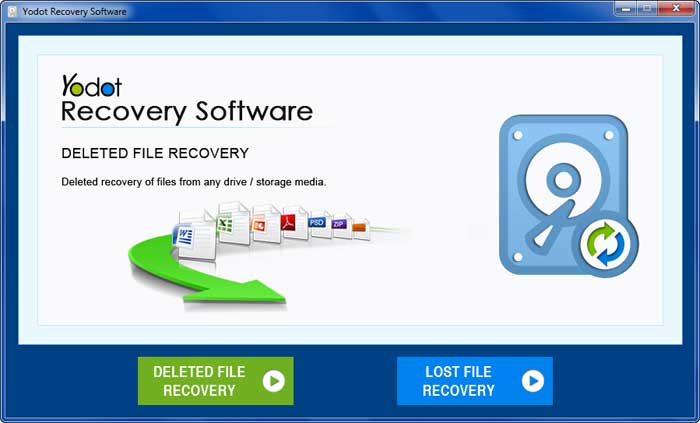
- Install the tool and run it; in the main screen, select “Lost File Recovery” option and click next
- Then, select the drive where lost files were previously located and proceed
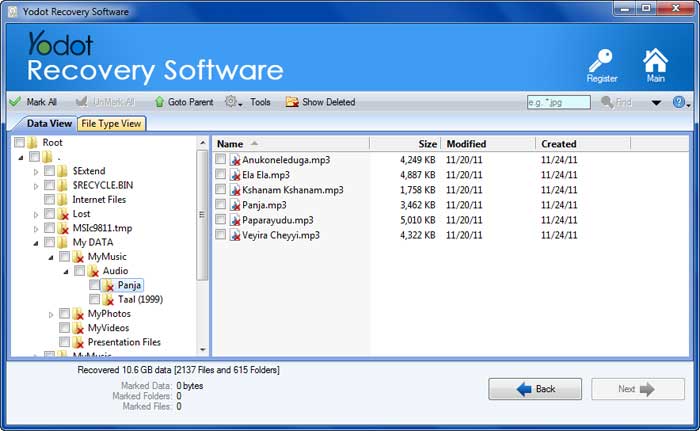
- Now, software scans the drive and displays all restorable files
- Go through these extracted files using Data View / File Type views
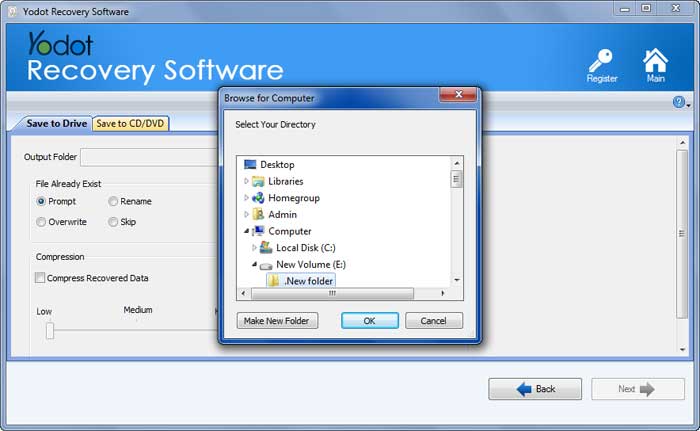
- Then selected required files, specify a new destination location and save it
Important Notes:
- If you are a desktop user, make use of UPS to avoid sudden power surge
- Always keep backup of important files in different locations