“I had rebooted my computer due to some peculiar action of the system. After rebooting, I was surprised to find none of the Notepad files and other files present on the desktop. I had saved very important Notepad files on it but now I don't know where the files have gone. My query is how to recover Notepad files after rebooting Windows computer? Thanks in advance for all suggestions!!!”
Notepad is a common text-only editor designed for Microsoft Windows. This text editor renders only basic text handling tasks with a .txt file extension. Most of the time users opt for Notepad to edit source code programs, create common text files, supports both right-to-left and left-to-right based languages, search and replace functions in updated versions, etc. However, users use Notepad to save the most important information to do some specific operations. Therefore losing such a Notepad file forever due to rebooting can put you in dilemma.
Apart from the above-mentioned scenario, there are a few reasons that lead to deletion or loss of Notepad files:
- Deleting Notepad files using Shift Delete keys combination will lead to permanent deletion of files
- Sometimes emptying Recycle Bin without checking for any accidentally deleted Notepad files present in it
- Unexpected interruption while transferring Notepad files from external device to computer hard drive will result in a file loss
- Notepad files may get erased due to conflict between third party tools that are installed on the Windows system
- Virus infection is another main reason for deletion of Notepad file
Software to recover Notepad files after reboot:
Yodot File Recovery software can bring back lost Notepad files after reboot on Windows operating system without altering the original content of the file. Users can easily retrieve lost files with the aid of a simple and interactive interface from the computer in a short period. Along with Notepad files, it can effectively get back saved documents, Office files, generic media files, compressed files, PDFs and other file formats that are erased or lost. This software can get back files from external storage devices like memory cards, pen drives, external hard drives, SSD drives and many others.
Steps to recover Notepad files after reboot:
- Download and install Recover erased files software on the desktop by logging in as local system administrator
- After completion of the installation process, run the tool and follow the given instructions
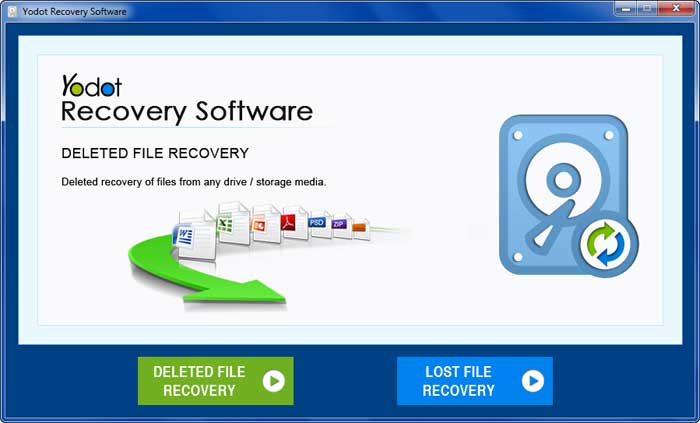
- On the main screen, you will get two options like 'Deleted File Recovery' and 'Lost file Recovery'
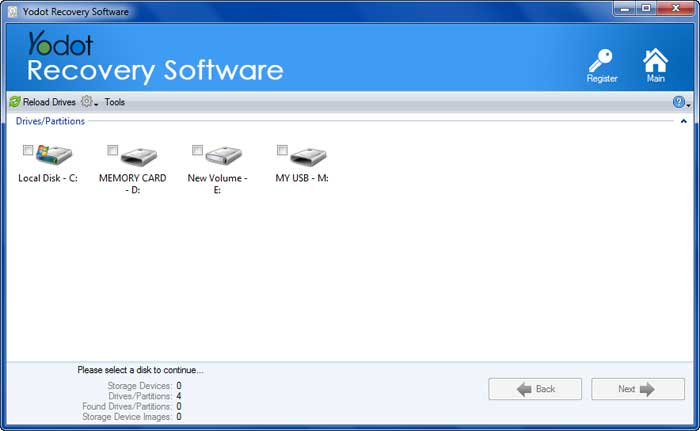
- In that click on the 'Lost File Recovery' option and proceed next screen to select the drive
- Upon selecting the drive, you can carry onto the next window to choose required file types that need to be retrieved
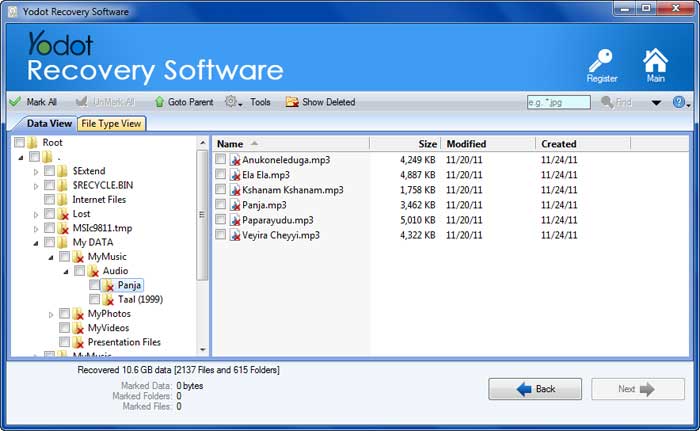
- Now initiate the file recovery process, after completion of the scanning process you can view restored files in 'Data View' or 'File Type View'
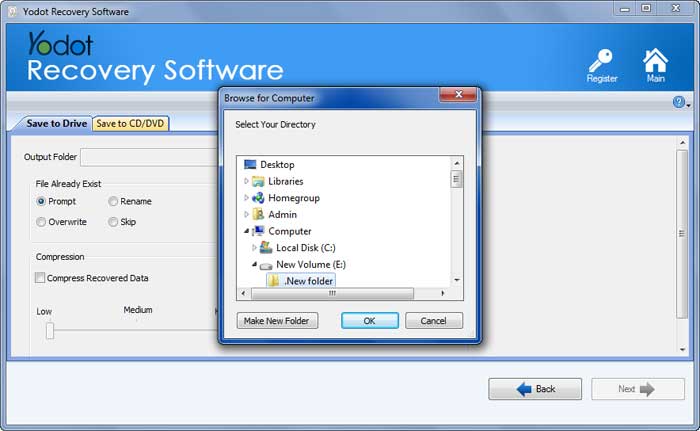
- Mark Notepad files the required and saves them on the desired location on system hard drive or on any external storage device
Notable Points:
- Take a backup of all Notepad files before rebooting your computer to avoid data loss
- Check twice or thrice before erasing Notepad files from the storage drive